Art & CultureFeature
Ukiyo-e: how Japanese prints won over Van Gogh and Monet
In the late 19th century, Japanese prints arrived in Europe and transformed how artists saw the world. A look back at Japonisme.
Published on 1 min read
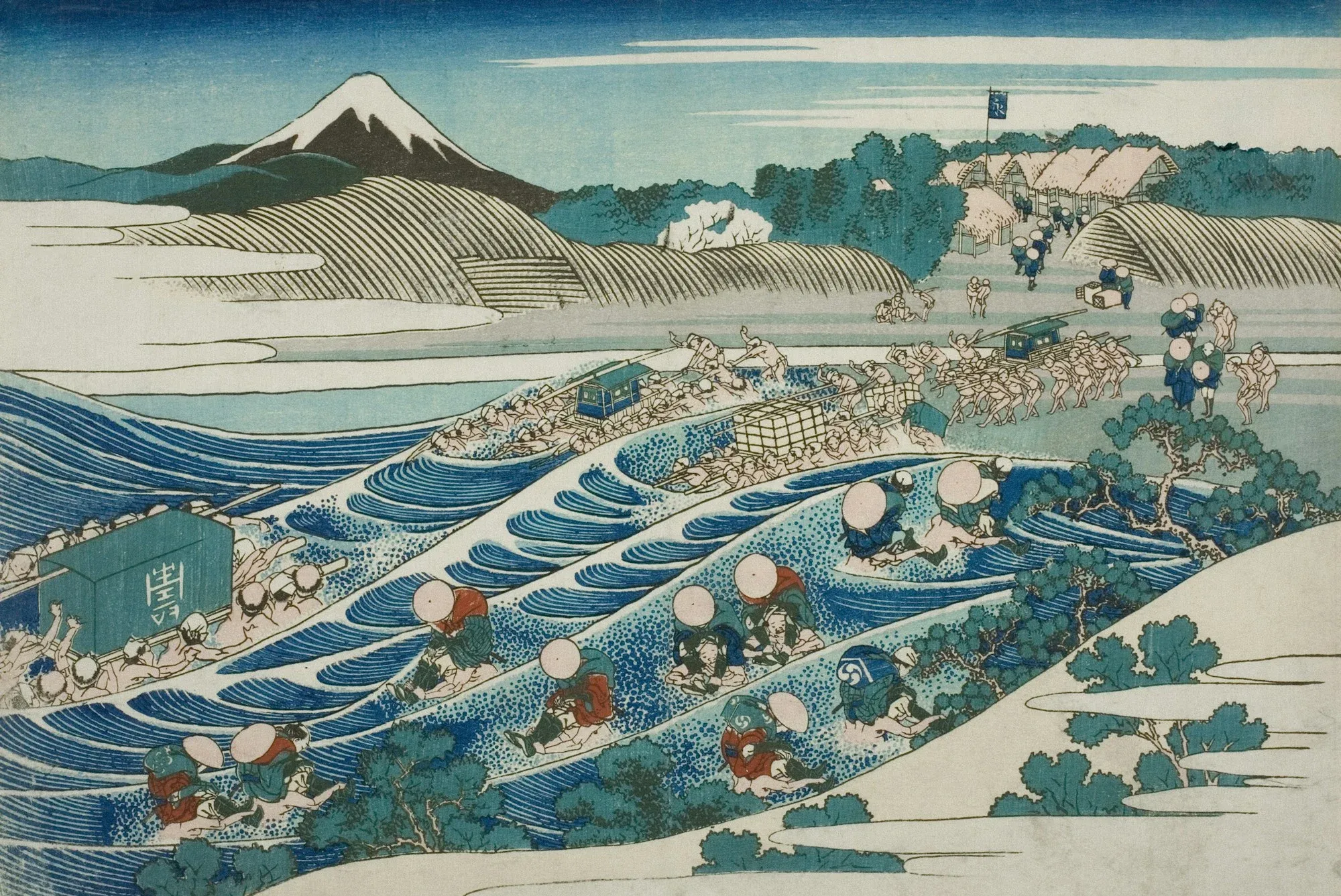
In the 19th century, after more than two centuries of isolation, Japan opened up to international trade. Its art objects arrived in Europe, among them prints that would fascinate a whole generation of artists.
Ukiyo-e, pictures of the floating world
Ukiyo-e is an art of woodblock printing that flourished in Japan during the Edo period. It depicts kabuki actors, famous beauties, landscapes and everyday life. Hokusai and Hiroshige are two of its great masters.
The Japonisme shock
In France, this craze for Japanese art was called Japonisme. The Paris World's Fairs, such as the one in 1867, helped make it known. Artists discovered bold compositions, flat areas of bright colour and unexpected viewpoints.
Van Gogh, a passionate copyist
Vincent van Gogh collected Japanese prints. In 1887, he painted copies of two works by Hiroshige, a flowering plum tree and a bridge in the rain, reinterpreting their colours.
Monet and his Japanese garden
Claude Monet also built a large collection of prints, still on view in his house at Giverny. His garden, with its Japanese bridge over the water lily pond, reflects this influence.
Key points
Japonisme deeply influenced Impressionism and modern art.
It changed how artists framed, simplified and used colour.
It marks one of the first great artistic dialogues between Japan and Europe.