APC FestivalGuide
Q&A: getting ready for a pop culture festival
Tickets, schedule, budget, outfit, cosplay… The team answers practical questions to help you make the most of an Asian pop culture festival.
Published on Updated on 1 min read
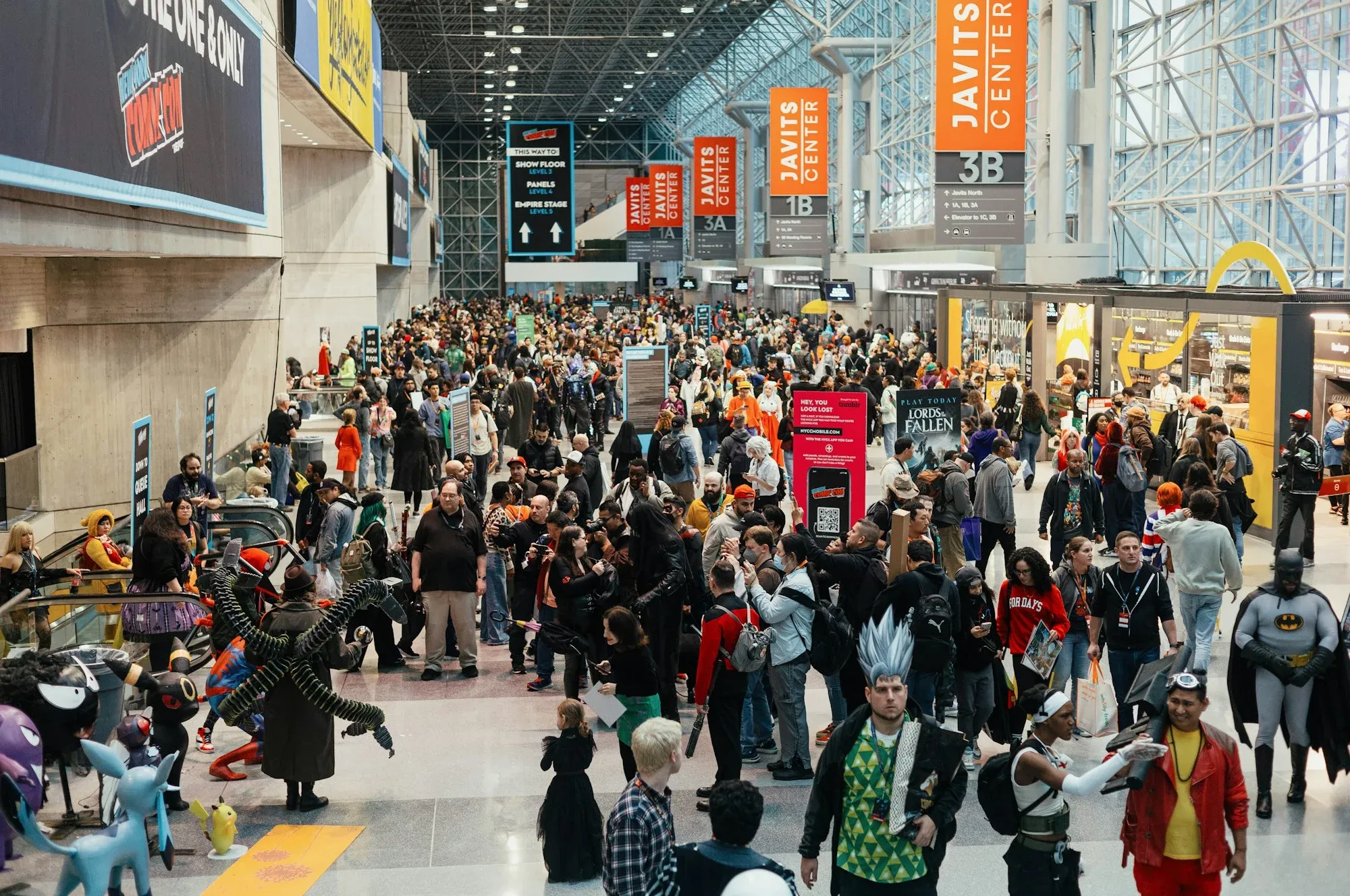
A first pop culture festival can quickly feel intimidating: lots of people, lots of activities, lots of temptations. Here are our answers to the questions we are asked most often.
Should you buy your ticket in advance?
Yes, it is almost always recommended. Pre-sale tickets are often cheaper, and some days or activities can sell out. Only use the event's official ticketing.
How should you plan your day?
Check the schedule as soon as it is published and note the concerts, meet-ups and workshops you are interested in. Keep some free time: the best discoveries often happen while wandering.
What budget should you plan?
Set yourself a budget before you arrive, for food as well as shopping. There are many stands and it is easy to get carried away.
What should you wear?
Something comfortable, with good shoes: you walk a lot. If you come in cosplay, check the rules, especially for props.
What should you pack?
A bottle of water and a snack.
A power bank for your phone.
A sturdy bag for your purchases.
Your ticket, on paper or on your phone.
One last tip?
Don't hesitate to talk to other visitors. Festivals are above all places where fans meet.