APC FestivalGuide
Guide: nailing your first cosplay
Choosing your character, building your costume, preparing your festival day: our tips for getting into cosplay stress-free.
Published on 1 min read
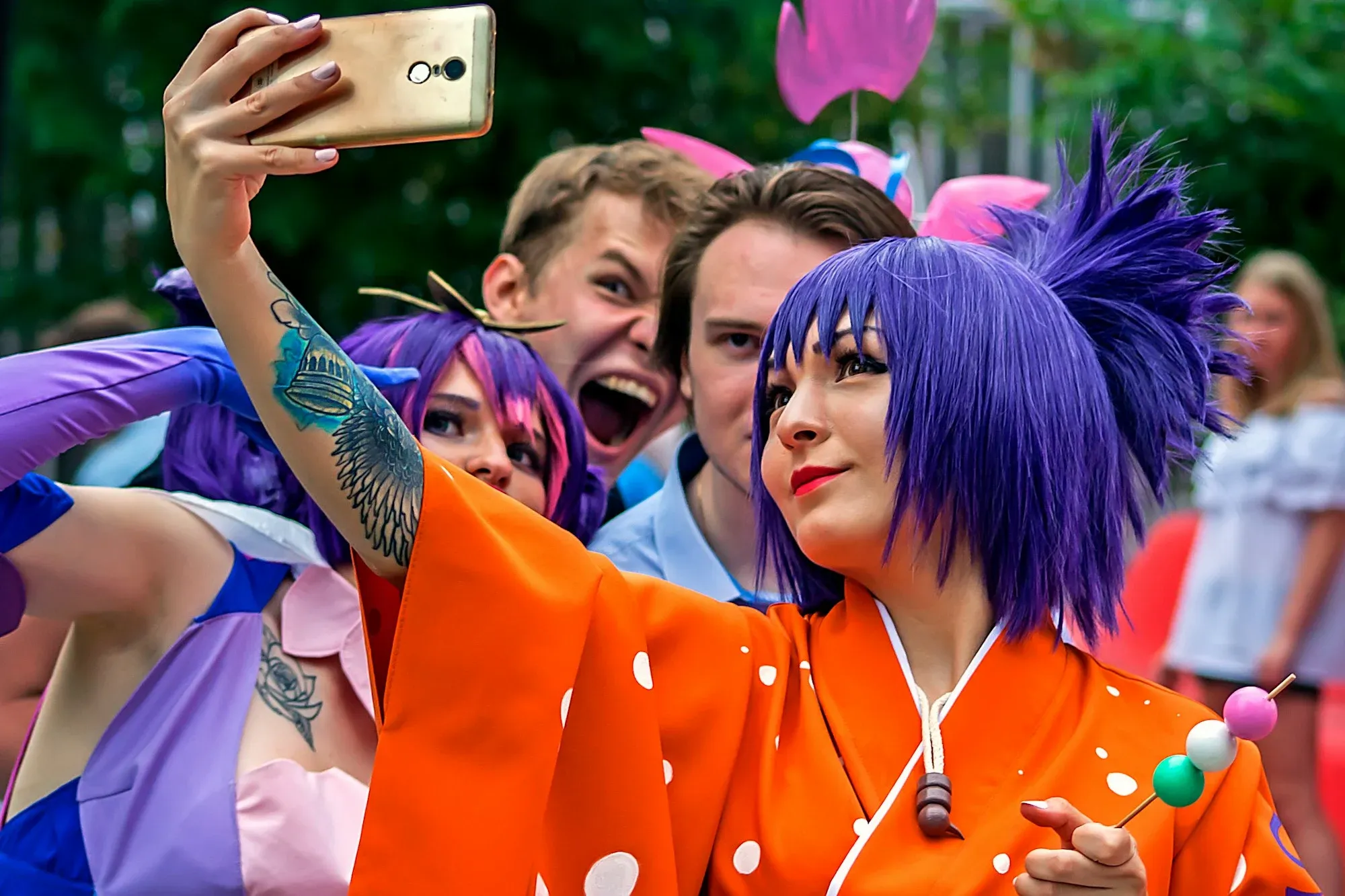
Cosplay means bringing a character from manga, anime, video games or film to life by recreating their costume. It is one of the most visible activities at pop culture festivals. Here is how to get started.
Choosing your character
Pick a character you really love: it is the best motivation. For a first cosplay, choose a simple outfit, without complex armour or giant props.
Make or buy?
Both are possible, and neither is more legitimate than the other. Many cosplayers start by adapting existing clothes, bought new or second-hand, and add a few homemade pieces. Online tutorials and cosplay communities are valuable resources.
Details that make the difference
The wig, often the most recognisable element.
Make-up, even light.
One or two of the character's signature poses, for photos.
On festival day
Do a full try-on a few days before, to check that everything holds and that you are comfortable. Bring a small repair kit: safety pins, double-sided tape, needle and thread. And check the event's rules about props.
The essentials
Cosplay is above all about having fun. Always ask permission before photographing someone, and respect cosplayers whatever their level.