Anime & MangaGuide
Guide: reading manga when you've never read one
Reading direction, sound effects, volumes, simulpub… Manga codes are simple once you know them. Our guide to get started.
Published on 1 min read
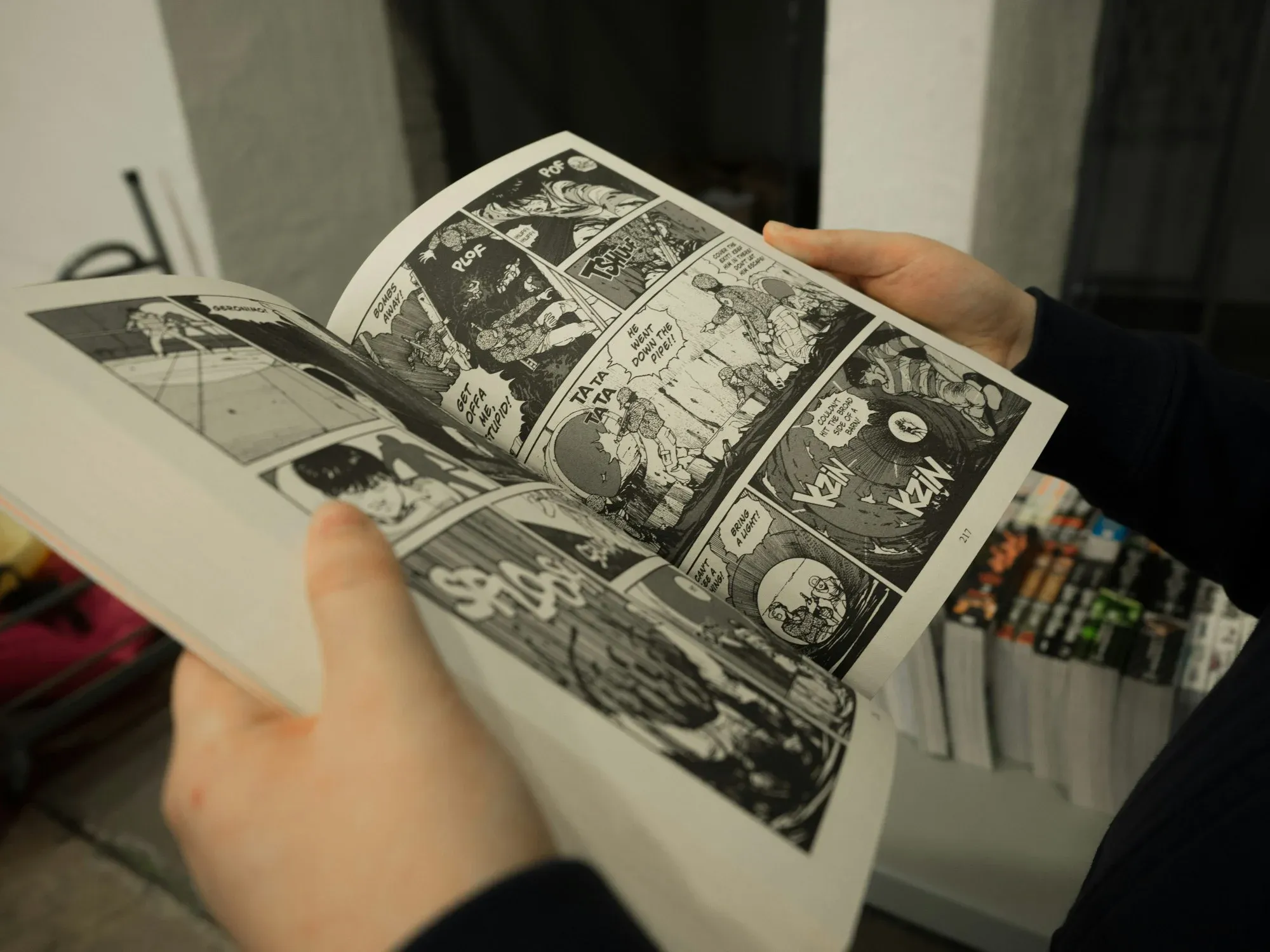
You bought your first manga and don't know where to start? Literally? That's normal: manga has its own codes. Here they are.
Reading direction
Most manga published in the West keep the Japanese reading direction: you start with what looks to us like the last page, and read panels and speech bubbles from right to left, top to bottom. After a few pages, it feels natural.
Sound effects
Noises and atmosphere are often drawn in Japanese characters, built into the artwork. Depending on the publisher, they are translated alongside or left as they are.
Volumes and chapters
In Japan, a manga first appears chapter by chapter in a magazine, then in bound volumes. Outside Japan, people usually read the volumes, which come out some time after the Japanese release.
Simulpub
Some legal platforms publish new chapters at the same time as their Japanese release. Handy to follow a series at the pace of its Japanese readers.
Our tips for choosing
Start with a short series, a few volumes long, to discover without committing.
Ask for advice in a specialist bookshop.
Check out libraries, which are often well stocked.
Choose official editions, which pay the authors.